aTurnos is a very useful managing tool. We will introduce you to this tool with a very short overview of the simplest aTurnos features (Standard Plan).
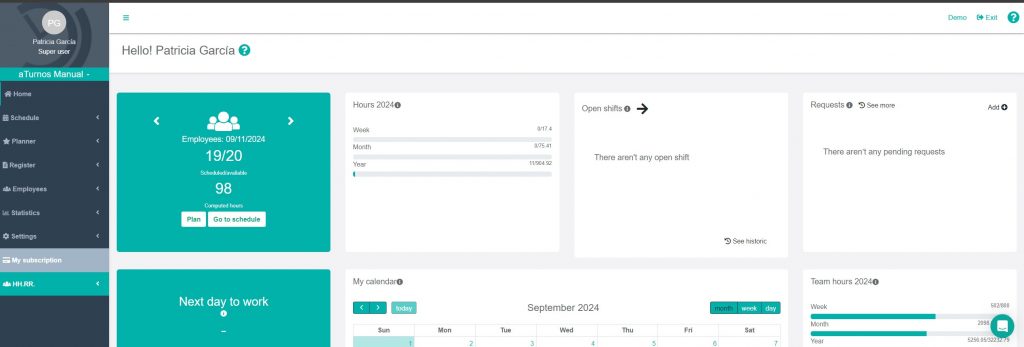
- Home. In this tab you can see all the widgets you have configured. You can have all the crucial information at a glance.
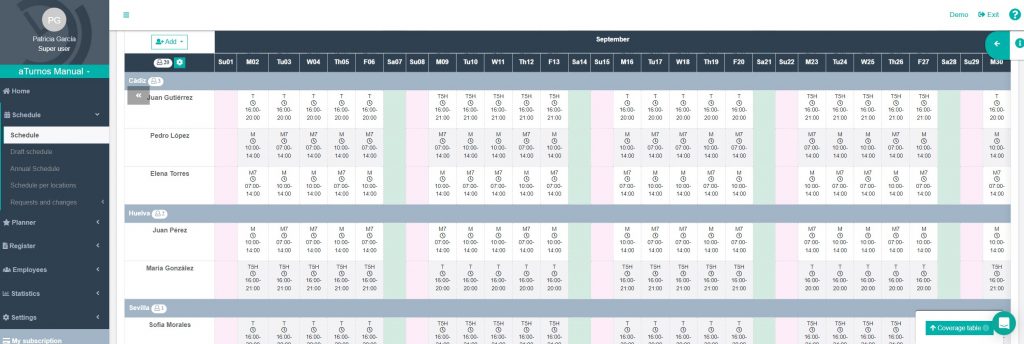
- Schedule. Subdivided in different other schedules (draft, annual…), it is the tab where you can plan all your employees. Moreover, in this tab you can manage all the request and changes that your employees may need. e.g : Medical absences, holidays requests… This simplifies considerably the manager-employee communication and saves much time.
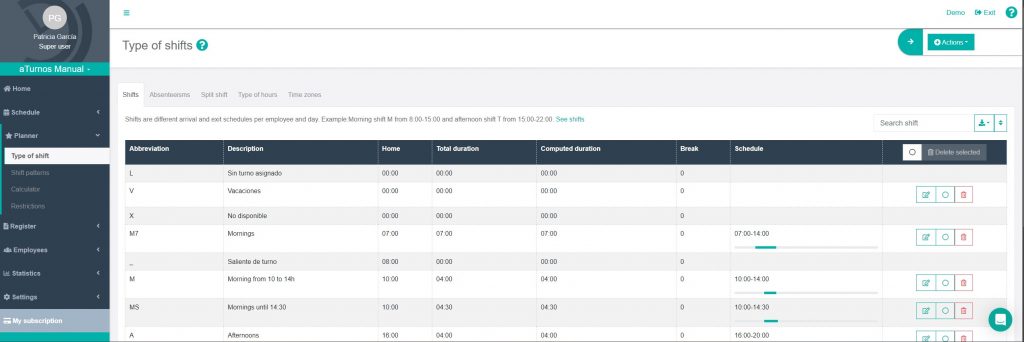
- Planner. The second most important tab to complete your employees’ planning. Here you can create shifts, shift patterns, use the shift’s calculator and add restrictions.
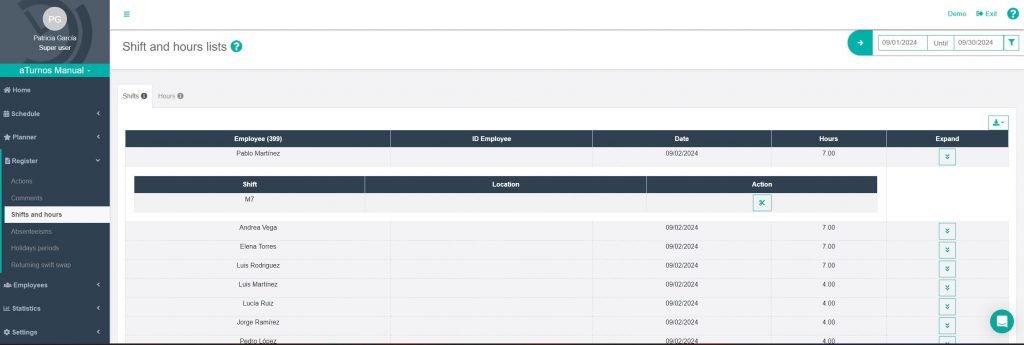
- Register. This tab collects all the team’s changes and generates important summary lists, such as: shifts and hours, holidays periods, employees that owe shift swaps…
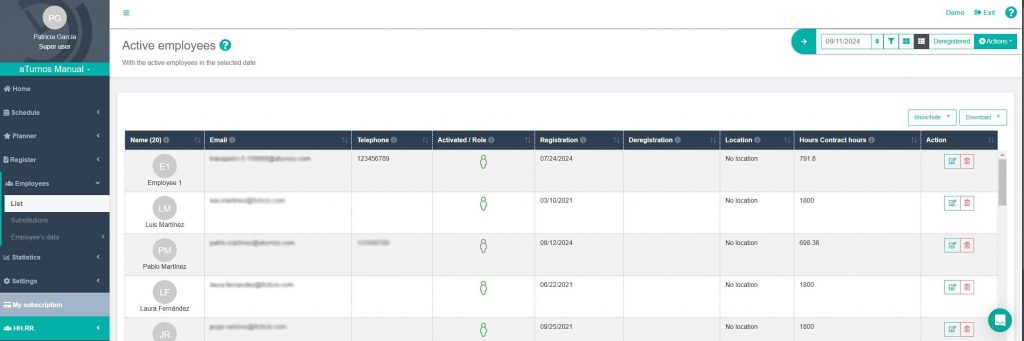
- Employees. In this tab, you will add all your employees. You can do it manually or by importing a CSV file. If you decide to import a CSV file, you must be cautious and do not forget to add at least: name, registration date and email. Also, you can manage substitutions and some additional employee’s data.
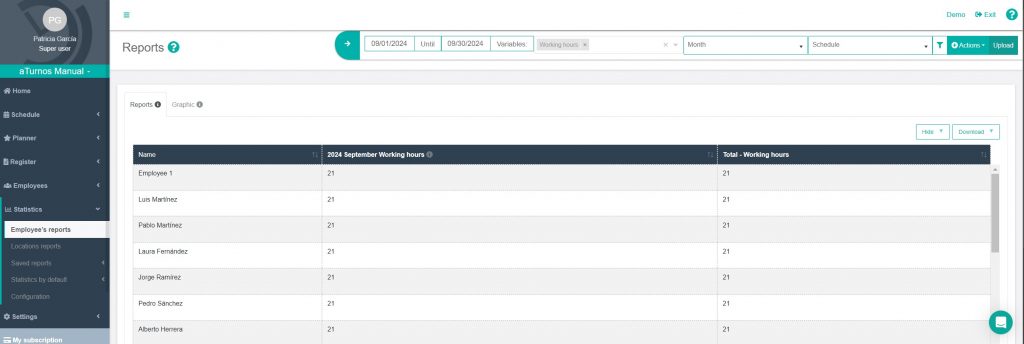
- Statistics. In this tab, you can generate several reports depending on your needs, and download them. You can add as many columns as you want, but we recommend generating separate reports. You can also save these results to check them later on: Actions> Save report.
- Settings. In this tab, you can configure the whole team. There are many options depending on the feature you want to configure or modify. In this option, it is highly recommendable to read all the information points (ⓘ) to do an appropriate team’s configuration and avoid sabotaging your previous work.
- My subscription. In this tab, you can manage your subscription for adding features or the number of registered employees.
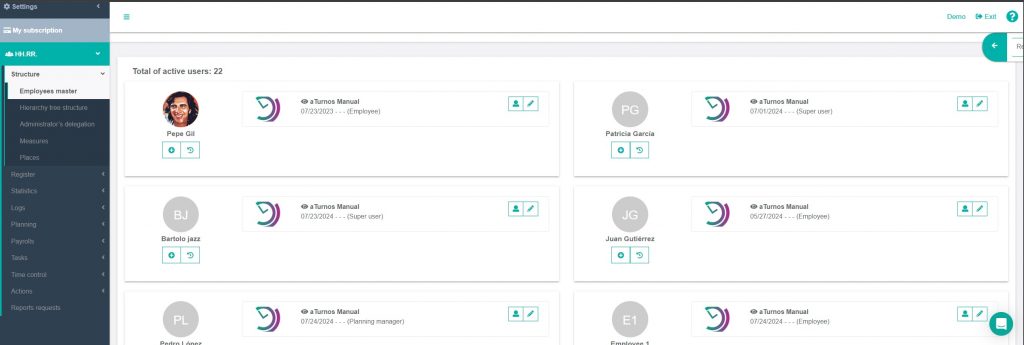
- HH.RR. This is an advance tab, and it is dedicated to HR processes. This tab involves the company’s structure, payrolls, statistics, planning, etc.
We remind you that aTurnos can do much more! You can visit our website to learn more, and if you are interested in hiring aTurnos, write an email to administracion@aturnos.com